

Why Speed is Your Laravel App’s Superpower
Laravel website speed optimization is critical for business success. Here’s what you need to know right now:
Quick Wins for Laravel Speed:
- Enable Route & Config Caching – Run
php artisan optimizefor instant 5x performance gains - Fix N+1 Queries – Use eager loading with
->with()to reduce database calls - Implement Redis Caching – Cache frequently accessed data in memory
- Optimize Images – Compress and serve WebP formats via CDN
- Queue Heavy Tasks – Move emails and reports to background jobs
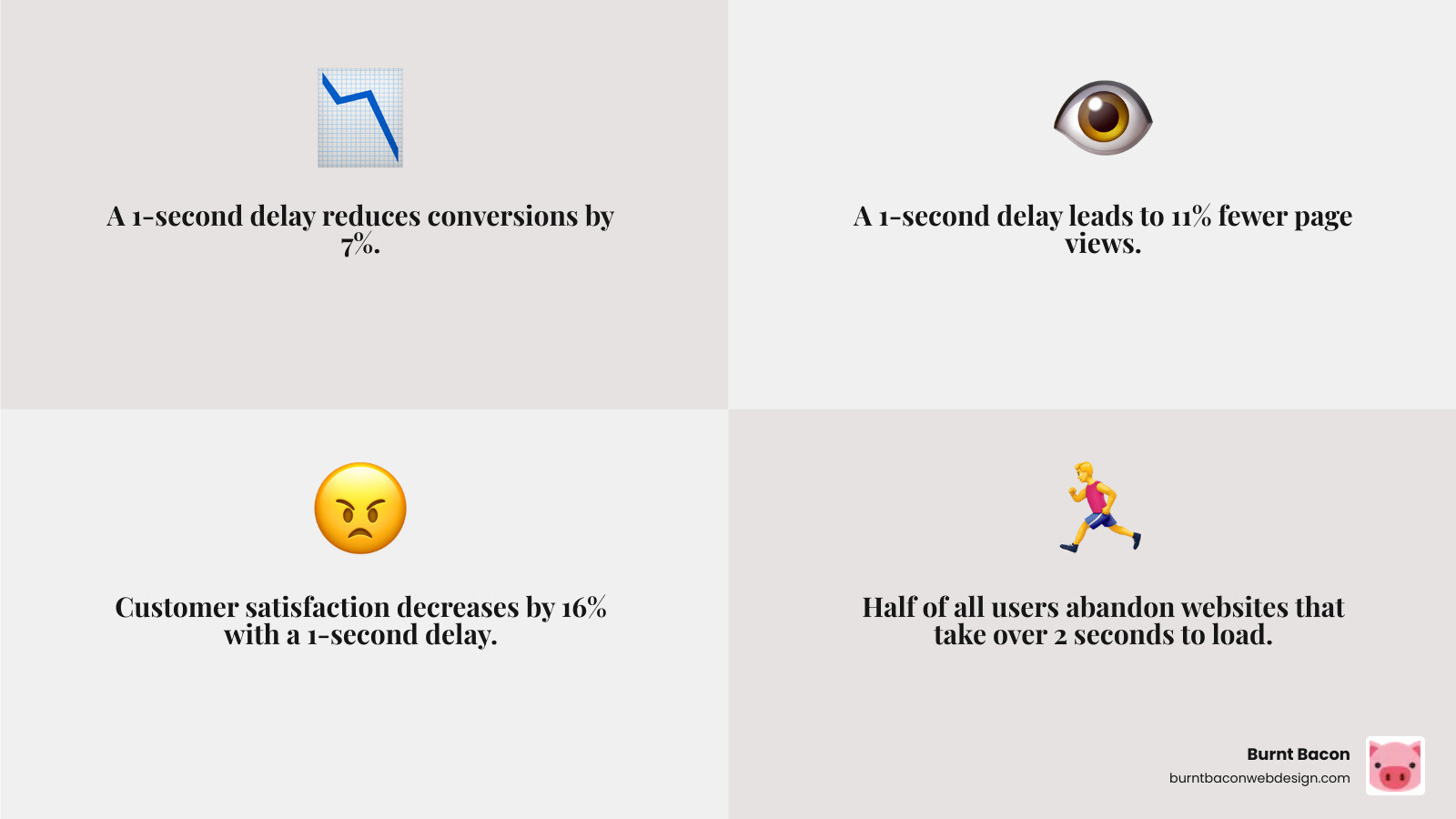
Around half of users abandon websites that take over 2 seconds to load. Even Google reduces crawl frequency for slow sites, directly impacting your SEO rankings. For businesses in Salt Lake City and South Jordan competing in the competitive Utah market, every millisecond counts. A one-second delay can reduce conversions by 7% and page views by 11%.
Laravel is fast out of the box, but without proper optimization, your neat code can become a performance bottleneck. The good news? Laravel provides powerful built-in tools—from Artisan commands that cache your routes and configs to queue systems that handle background processing—that can dramatically improve speed with minimal effort.
The challenge is knowing which optimizations matter most. Should you focus on database queries, caching layers, or server configuration? What about frontend assets and third-party scripts? The answer depends on where your specific bottlenecks lie, which is why proper benchmarking comes first.
I’m Craig Flickinger, founder of Burnt Bacon Web Design. Over the past 10+ years helping businesses in Salt Lake City, South Jordan, and across Utah optimize their web presence, I’ve seen how laravel website speed optimization transforms everything from user engagement to search rankings. Let’s walk through the exact strategies that have helped my clients achieve sub-200ms load times.
Benchmarking and Diagnosis: Finding Your Speed Bottlenecks
Before we dive into fixing performance issues, we need to understand where they are hiding. When a business in Salt Lake City comes to us with a slow Laravel site, our first step is diagnosis, not guesswork. For your Laravel application, this means benchmarking and monitoring to find the specific bottlenecks affecting your Utah-based customers.
Key metrics to watch include Time to First Byte (TTFB), Largest Contentful Paint (LCP), and First Contentful Paint (FCP). These Core Web Vitals are crucial for user experience and search engine ranking. A high TTFB often points to server-side issues, while slow LCP and FCP usually indicate frontend bottlenecks.
To get started, we recommend using a suite of testing tools. Google PageSpeed Insights provides a comprehensive report for both mobile and desktop, highlighting areas for improvement. Other excellent options include GTmetrix, WebPageTest, Varvy, and Uptrends. These tools analyze various performance metrics and offer actionable recommendations. For a deeper dive into general site speed, you might find our guide on How to Speed Up My Site? 2024 Update helpful.
For in-depth code-level analysis within your Laravel application, profiling tools are indispensable. Laravel Debugbar is a fantastic development-time tool that shows detailed insights into queries, memory usage, and request timing. It’s particularly useful for spotting those sneaky N+1 query problems. For a more robust, production-ready solution, Laravel Telescope allows us to monitor various aspects like DB queries, HTTP requests, and exceptions, helping us pinpoint slow queries or other performance issues.
// Example: Using Laravel Debugbar to inspect queries
// No specific code needed, just install and enable in development.
// It will appear at the bottom of your browser.
For continuous monitoring, tools like Blackfire.io (a powerful profiling and debugging tool for PHP applications) or Laravel Pulse (for built-in performance monitoring) can provide deep insights into your application’s performance characteristics over time. This continuous feedback loop is vital for maintaining optimal speed for your Utah audience. Understanding these metrics and using the right tools forms the foundation of any successful laravel website speed optimization strategy we implement for our South Jordan and Salt Lake City clients. If you’re looking for a comprehensive overview of your site’s technical health, check out our Technical SEO Audit Complete Guide.
Core Backend Tuning: The Engine Room of Laravel Website Speed Optimization

This section covers the server-side changes that have the biggest impact on performance for businesses in Salt Lake City, South Jordan, and across Utah. When we think about your Laravel application’s “engine,” we’re primarily talking about how it interacts with the database, how it handles data storage and retrieval, and how it leverages Laravel’s built-in efficiencies.
Database Strategies for Laravel Website Speed Optimization
For our clients in the competitive Salt Lake City market, the database is often the first place we look for bottlenecks. Inefficient database queries can quickly grind your application to a halt. One of the most common culprits is the “N+1 query problem.” This happens when you fetch a list of items and then, for each item, perform an additional query to get its related data. It’s like asking for a menu, then asking about each dish one by one instead of getting all the details upfront.
Laravel’s Eloquent ORM makes it easy to fall into this trap, but it also provides an neat solution: eager loading. By using the with() method, we can tell Laravel to load all related models in a single, optimized query, drastically reducing database calls.
// Bad: N+1 problem (20 posts + 20 author queries = 21 queries)
$posts = Post::all();
foreach ($posts as $post) {
    echo $post->author->name;
}

// Good: Eager loading (1 post query + 1 author query = 2 queries)
$posts = Post::with('author')->get();
foreach ($posts as $post) {
    echo $post->author->name;
}
Beyond eager loading, we always make sure to select specific columns. Using SELECT * retrieves all columns, which can be inefficient, especially for tables with many fields. Instead, specify only the data you need:
// Bad: Selects all columns
$users = User::all();

// Good: Selects only 'id' and 'name'
$users = User::select('id', 'name')->get();
Database indexing is another critical step. Think of indexes like the index in a book – they help the database quickly find relevant rows without scanning the entire table. We add indexes to columns frequently used in WHERE clauses, ORDER BY statements, and JOIN operations.
// Example: Adding an index in a migration
Schema::table('users', function (Blueprint $table) {
    $table->index('email');
});

// For queries filtering by multiple fields, composite indexes are crucial.
Schema::table('posts', function (Blueprint $table) {
    $table->index(['user_id', 'published_at']);
});
For large datasets, query chunking and lazy collections are lifesavers. Loading thousands of records into memory at once can exhaust your server’s resources. chunk() allows us to process records in smaller batches, while Lazy Collections (using cursor()) provide a memory-efficient way to iterate over results without loading the entire dataset into RAM.
// Processing large datasets in chunks
User::chunk(1000, function ($users) {
    foreach ($users as $user) {
        // Process user data
    }
});

// Using a lazy collection (cursor) for memory efficiency
foreach (User::cursor() as $user) {
    // Process user data, each user loaded one by one
}
Finally, while Eloquent is powerful, sometimes for complex, performance-critical queries, using raw SQL queries via DB::select() can offer a slight edge by giving us direct control over the query execution plan. This is a rare optimization, but good to have in our toolkit.
Leveraging Caching for Instant Responses
Caching is perhaps the single most effective way to speed up a Laravel application. It involves storing frequently accessed data in a faster, temporary location (like memory) so that subsequent requests can retrieve it instantly, bypassing slower processes like database queries or complex computations. Laravel’s robust caching system is one of its superpowers. For a foundational understanding, review the Laravel Caching Fundamentals documentation.
We primarily leverage several types of caching:
- Application Cache: This involves caching data that is expensive to retrieve or compute. We often use in-memory drivers like Redis or Memcached for this in production environments, as they offer blazing-fast retrieval.
// Caching a database query result for 60 minutes
$users = Cache::remember('all_users', 60, function () {
    return User::all();
});
- Model Caching: While not built-in directly to Eloquent, packages can cache entire Eloquent models or their relationships, reducing database hits.
- Response Caching: For static or infrequently changing pages, we can cache the entire HTTP response. This means the server doesn’t even need to execute your Laravel application for subsequent requests, just serve the cached HTML. Packages like
laravel-page-speedcan facilitate this. - Object Caching: This is often done via Redis or Memcached, storing complex PHP objects directly.
By monitoring cache hits and misses, we can determine if our caching strategy is effective. A high cache hit rate means your application is serving data quickly and efficiently.
Using Laravel’s Built-in Optimizers
Laravel provides several Artisan commands that are quick wins for laravel website speed optimization. These commands pre-compile various parts of your application, reducing the work Laravel has to do on each request. We always include these in our deployment scripts.
-
Route Caching: For applications with many routes, caching them significantly improves performance. It compiles all your routes into a single, serialized file.
php artisan route:cacheNote: This doesn’t work with closure-based routes; ensure you’re using controller actions.
-
Configuration Caching: This combines all your configuration files into a single cached file, reducing numerous file reads on every request.
php artisan config:cacheImportant: After caching,
env()calls will only work if they are within your configuration files and accessed viaconfig('app.name')style. Directenv()calls outside config files will returnnull. -
View Caching: Blade views can be pre-compiled, improving rendering performance.
php artisan view:cache -
Event Caching: If your application has many event listeners, caching them can speed up event findy.
php artisan event:cache
These can often be combined into a single optimize command in older Laravel versions, but using the specific commands for config:cache, route:cache, view:cache, and event:cache is the recommended approach in newer versions. Always run these during deployment to production.
Asynchronous Processing with Queues
Imagine your application is a busy restaurant in downtown Salt Lake City. When a customer places an order (sends a request), you don’t want the chef (your server) to stop everything to go deliver the food, send a thank-you note, and then wash the dishes. That’s what synchronous processing does for heavy tasks.
Laravel’s best-in-class queueing system allows us to offload time-consuming tasks to background jobs. This means your application can respond to user requests almost instantly, while a separate “queue worker” handles the heavy lifting in the background.
Common tasks we push to queues include:
- Email Sending: Sending bulk emails or transactional notifications.
- Report Generation: Creating complex PDFs or data exports.
- Processing Uploads: Resizing images, encoding videos, or parsing large CSV files.
- Interacting with Third-Party APIs: Making requests to external services that might have latency.
We configure a queue driver (like Redis, SQS, or Beanstalkd) and then dispatch jobs to it:
// Example: Sending an email via a queue
use App\Mail\OrderShipped;
use Illuminate\Support\Facades\Mail;

Mail::to($request->user())->queue(new OrderShipped($order));

// Example: Dispatching a custom job
use App\Jobs\ProcessPodcast;

ProcessPodcast::dispatch($podcast);
To run these jobs, we simply start a queue worker:
php artisan queue:work
For robust queue management, especially with Redis, we often use Laravel Horizon, which provides a beautiful dashboard and configuration for supervising your queues. This ensures your application remains blazing fast and responsive, even under heavy load.
Frontend and Asset Delivery: Crafting a Lightning-Fast User Experience

Even if your backend is a speed demon, a bloated frontend can still make your site feel sluggish to a user in South Jordan. This is how you ensure the user’s browser can render your site quickly and efficiently.
Asset Optimization’s Role in Laravel Website Speed Optimization
Large, unoptimized assets like images, CSS, and JavaScript files can significantly slow down your website, frustrating potential customers from Salt Lake City to St. George. We focus on reducing their size and optimizing their delivery.
-
Asset Bundling and Minification: Laravel Mix (for older projects) and Vite (for newer ones) are powerful tools that allow us to combine multiple CSS and JavaScript files into fewer, larger bundles. This reduces the number of HTTP requests the browser needs to make. They also minify these files, stripping out unnecessary whitespace, comments, and shortening variable names, leading to smaller file sizes.
// Example: vite.config.js for bundling and minification
import { defineConfig } from 'vite';
import laravel from 'laravel-vite-plugin';

export default defineConfig({
    plugins: [
        laravel({
            input: ['resources/css/app.css', 'resources/js/app.js'],
            refresh: true,
        }),
    ],
    build: {
        minify: 'terser', // Or 'esbuild'
        cssCodeSplit: true,
        chunkSizeWarningLimit: 1000,
        rollupOptions: {
            output: {
                manualChunks: {
                    vendor: ['vue', 'lodash'], // Example: split vendor libraries
                },
            },
        },
    },
});
After configuring, a simple
npm run buildcommand prepares your assets for production. -
Image Optimization: Images are often the largest culprits for slow page loads. We compress images without sacrificing quality using tools like TinyPNG or Optimizilla. We also convert images to modern formats like WebP or AVIF, which offer superior compression and quality compared to JPEGs and PNGs. Responsive images, using
srcsetandsizesattributes, ensure browsers load the most appropriate image size for the user’s device. -
Lazy Loading Images: This technique defers the loading of images that are not immediately visible in the user’s viewport until they scroll down. This significantly speeds up initial page load times. Modern browsers support native lazy loading with the
loading="lazy"attribute:<img src="placeholder.jpg" data-src="actual-image.jpg" alt="Description" loading="lazy">
Accelerating Delivery with CDNs and Browser Caching
Once assets are optimized, we need to deliver them to users as quickly as possible.
-
Content Delivery Networks (CDNs): For businesses in Salt Lake City or South Jordan serving customers across Utah, the country, or globally, a CDN is a game-changer. It stores copies of your static assets (images, CSS, JS) on servers geographically closer to your users. When a user requests an asset, it’s served from the nearest CDN edge location, dramatically reducing latency. This also reduces the load on your main web server.
-
Browser Cache Headers: We configure web servers or CDNs to send
Cache-controlheaders with static assets. This tells the user’s browser to store a local copy of the asset for a specified period. For returning visitors, these assets are loaded instantly from their local cache, not re-downloaded from the server.
Laravel provides a cache-control middleware if you need to set these headers within your application, though it’s often more efficient at the web server or CDN level. -
Cache Busting: While browser caching is great, what happens when we update our CSS or JavaScript? Users might see stale content. Laravel Mix and Vite provide cache busting out-of-the-box by appending a unique hash to your asset filenames (e.g.,
app.css?id=123abc). This ensures that when you deploy new code, browsers see a new filename and download the updated asset.
Managing Third-Party Scripts
Third-party scripts (analytics, ads, social media widgets) can be performance hogs. They often act like “hitchhikers” that slow down your entire site. Our goal is to manage them intelligently to minimize their impact.
-
Defer and Async Attributes: We use
deferorasyncattributes on